Incident Management
5 Incident Communication Templates
There’s no such thing as 100% reliability. Downtime happens, so it helps to have the wording ready before you need it.
During an outage you are fixing the service and, at the same time, telling customers and your own team what is affected. These five templates are a starting structure for that second job. Edit the names, times, and impact. Do not send them unchanged.
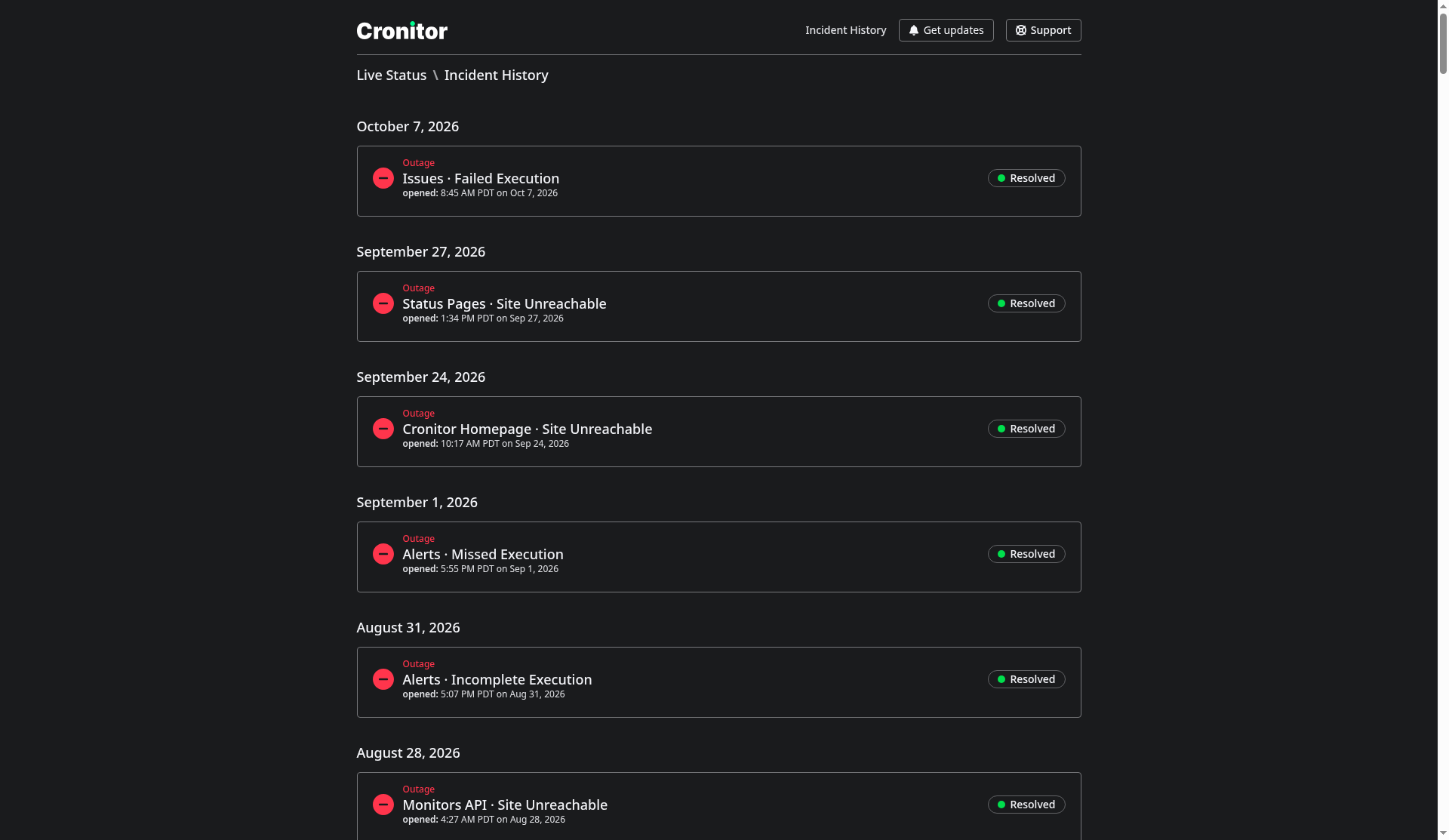 Resolved incidents on a Cronitor status page. Publishing and resolving are covered in the status pages guide.
On a Cronitor status page the update states are Unresolved, Investigating, Identified, Monitoring, and Resolved. The first template is the note you post while you are still looking. The third is the resolved note. Maintenance and a security report are the last two. The field reference is Status Pages.
What to include
Say which services are affected, and how much of them. "The site is down" is a different incident from "checkout is failing for new orders." If a critical path is broken, name it.
Give a duration when you have one. A range is fine. If the window slips, post another update. People plan around the time you published.
Post the current state as it changes, so customers are not opening tickets to ask what the last update was.
Leave a way to get help, and a way to subscribe. On a Cronitor page that is the Support link and Get updates (email, RSS, Slack, or webhook).
Template #1 - Investigating an incident
We are currently investigating an incident that is impacting [Impacted Service]. We apologize for any inconvenience this may cause and are working to resolve the issue as quickly as possible.
At this time, we do not have any further details on the cause of the incident or an estimated time for resolution. We will provide updates as we have them, and appreciate your patience while we work to resolve the issue.
Template #2 - Monitoring an ongoing incident
Use this after a fix is in place and you are watching to see if it holds.
We have identified the cause of the incident on [Impacted Service] and are implementing a solution. We are closely monitoring the situation to ensure the issue is fully resolved.
We apologize for any inconvenience and will keep you informed as we have more information. Thank you for your understanding as we work to fix the problem.
Template #3 - The issue has been resolved
We are pleased to inform you that the issue has been resolved. [Brief description of what happened]. The issue mainly impacted our [Impacted Service] service.
Thank you for your patience during this time. Please do not hesitate to contact us if you have any concerns or questions.
Template #4 - Scheduled maintenance
Use this before a planned window, for example a database upgrade or a temporary shutdown of one API.
We wanted to let you know that we will be performing scheduled maintenance on [date and relevant times]. During this time, [affected services] may be unavailable.
We apologize for any inconvenience this may cause, and we will do our best to minimize any disruption to your service.
If you have any further questions or concerns, please do not hesitate to contact us.
Template #5 - Potential security breach
We wanted to make you aware of a potential security breach that may have occurred on [date and time] and possibly exposed the following personal data: [Brief description of personal data involved].
While we are still investigating the issue, we want to inform you as soon as possible so that you can take steps to protect your information. We recommend that you change your password for any accounts that may have been affected and monitor your accounts for any unusual activity.
We apologize for any inconvenience this may cause, and we are working quickly to investigate and resolve the issue.
If you have any questions or concerns, please do not hesitate to contact us.
Put the update on a status page
The same note can go to a status page, an email, and an internal channel. The status page is the copy customers can find later, including after the incident is resolved.
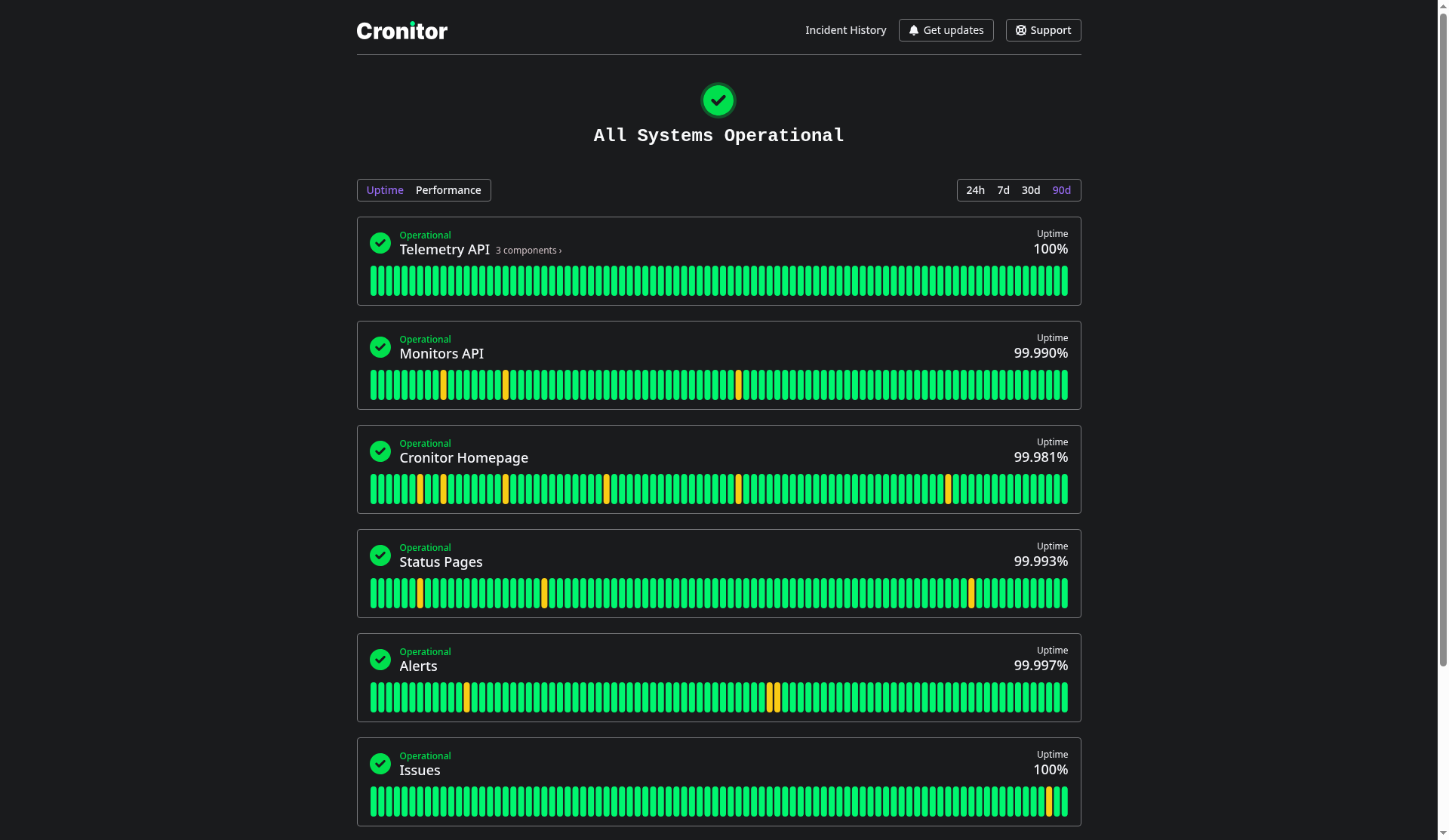
Create a status page on the free plan, or add branding and private access when you need them. On the pricing page those are separate add-ons: a branded page is $25 per month per page, and a private page is $50 per month per page, on the Business plan.